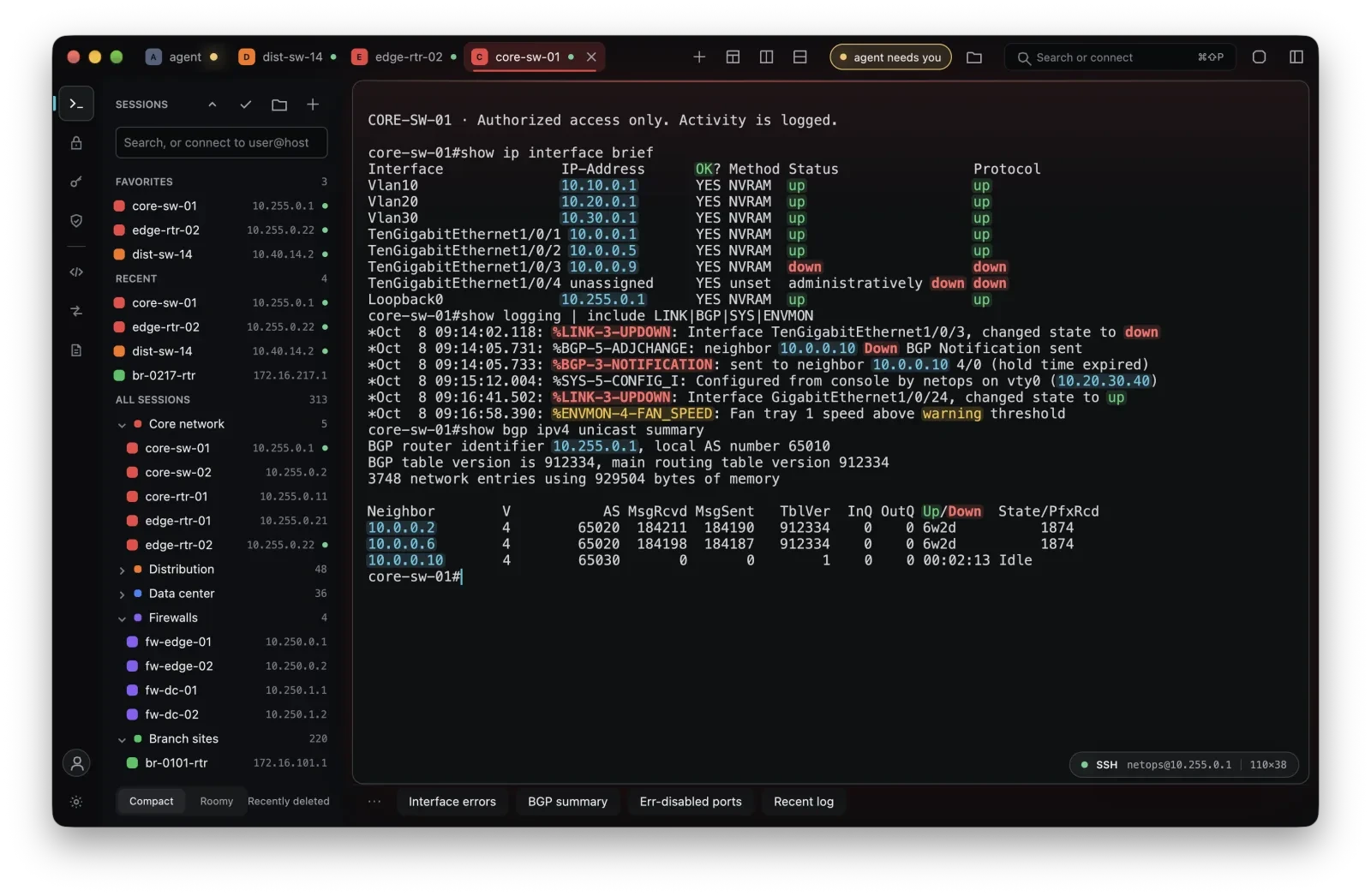
Keep connections close
The supplied interface groups connections, favorites, and recent sessions alongside the terminal.

Terminal
 Termyn
A modern terminal for developers and network engineers. A focused place for the connections, sessions, and commands behind your daily work.
A look at the workspace
The supplied interface groups connections, favorites, and recent sessions alongside the terminal.
Tabs and split panes keep related sessions visible in a single workspace, as shown below.
The shared command window in the supplied screenshot sits beneath the active session panes.
From checking a switch to following a session, technical work moves between connections. These supplied screenshots show how Termyn brings sessions and commands together. Ask about current availability and supported environments.
Discuss your workflow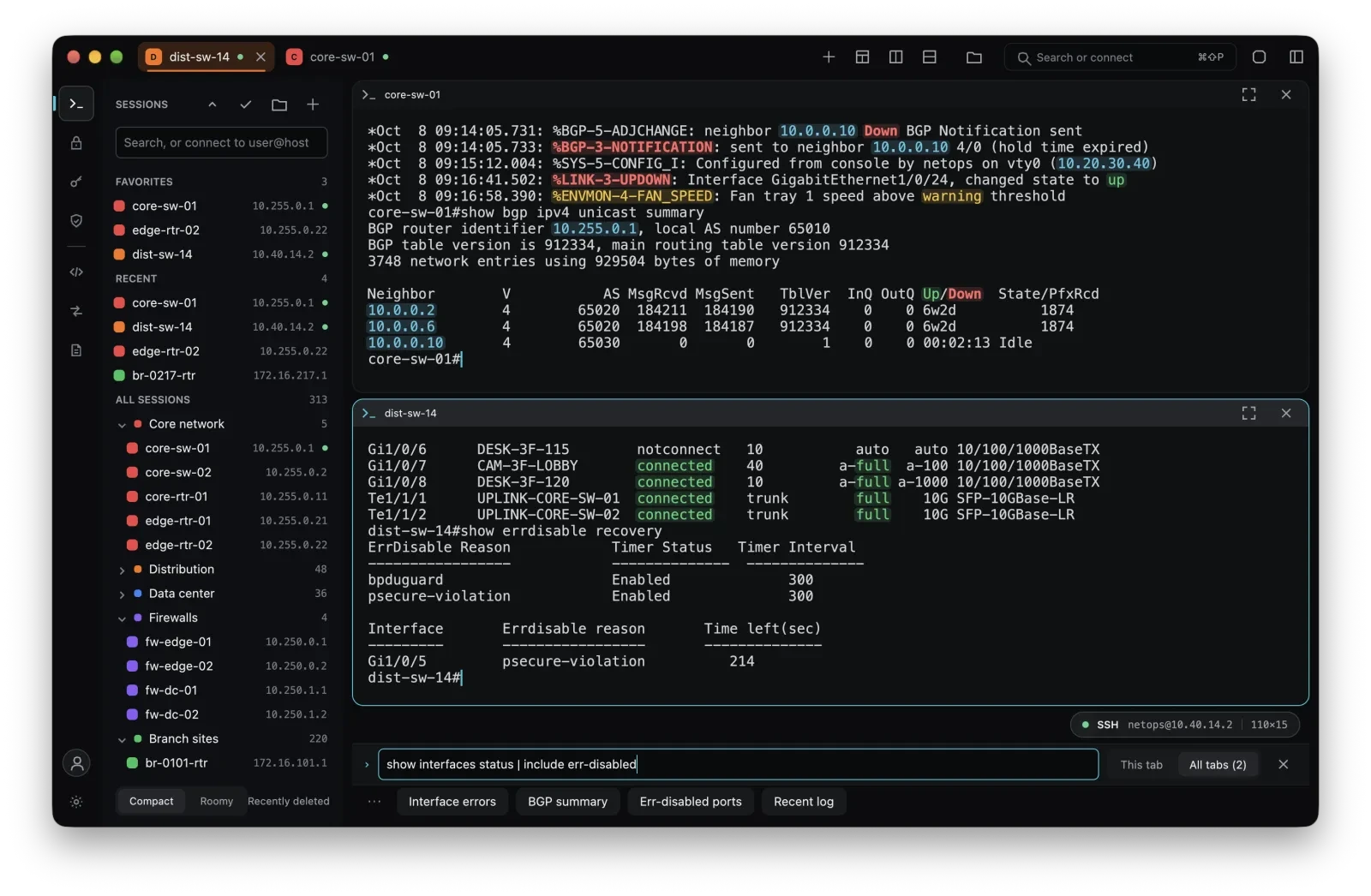
Discuss your use case and how Termyn could help.
